Xteink X3 Pocket Reader First Impressions
Sun, 20 Sep 2026
This will be the first of two or more blog posts about this probably.
Excuse the very unorganised rambling.
Last week my Xteink X3 pocket e-reader finally arrived!
Let me give some background info first before I start talking about my actual first impressions.
I have not really owned an ebook reader before besides some cheap one when they first started appearing at lower price points. And it was not a good experience. My gf uses a Tolino and had some others before and it always seemed quite nice, but I've been more of a physical book person.
As I mentioned in another blog post, I have a very hard time reading books these days though, both due to mental issues and my eyes not doing what I want to.
But recently I have had the urge to read more again. I picked up some books (The Design of Everyday Things, some Goethe works and some Eugen Bleuler stuff) and it went pretty well all things considered!
But carrying books around is tedious and I always thought e-readers were much bigger than they have to me.
Then I came across some ads for the Xteink X3 and X4 and decided to check it out, expecting some overpriced hype product.
Turns out the X3 is pretty cheap (got it for under 80Eur shipped), so I ordered one without too much research besides some basic reviews and looking at the Crosspoint FW.
Last week it arrived and I am very positively surprised.
It's maybe a 3rd of my hand size, the screen is even smaller.
First thing I did was flash Crosspoint since it offers a much more responsive UI and a nicer, more customisable UX.
I don't want to get into specs very much, they are all on the official website and in other reviews and I am sure if you can read this blog you can read specs yourself. But one thing that stands out is the fact that the display with 3.7inch diagonal might be tiny but it also packs a 528 × 792 pixel resolution into that making it insanely dense at 259PPI. For comparison a 27inch 1440p monitor has like 109PPI density. It's a very sharp display.
But it kind of has to be at this size. The first thing I started reading on the X3 was actually not a book but a manga, the classic Berserk. That series has very detailed panels and plenty of greyscale so I think it's a good test.
I used this website to convert the manga files to X3 compatible and optimised xtc files with dithering. I quickly came to the conclusion that the X3 is best used in landscape mode and each page split into 1/3rds is best since you can see enough detail but also still have a easy time reading through.
Once I figured that out the reading experience was surprisingly nice. The ESP-C3 in the X3 sometimes needs some time to load a new page, but it never bothered me so far. Every detail is visible, text is very readable (even in portrait mode without splitting pages Manga text is very readable, although small!).
If you want to sit at home and read through all of Berserk in a sitting or want to use this e-reader exclusively for Manga I don't think it's for you though. It's not as smooth or easy to read as a big, "normal" e-reader and probably not as ergonomic.
But for occasional reading, maybe a couple chapters while you wait for the bus or in between gym sets, this seems perfect.
Image X3 compared to dog and OP1 8k v2
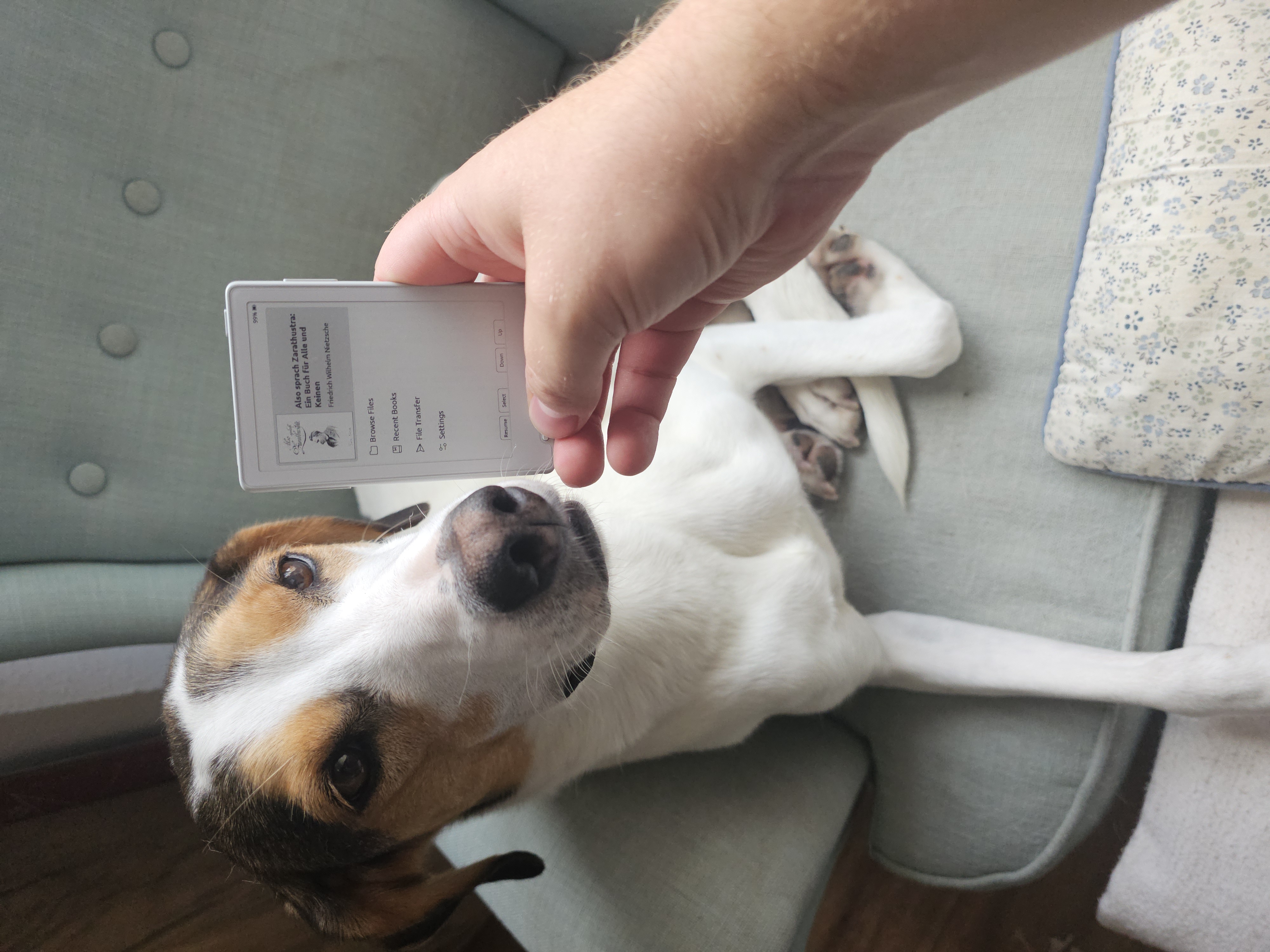
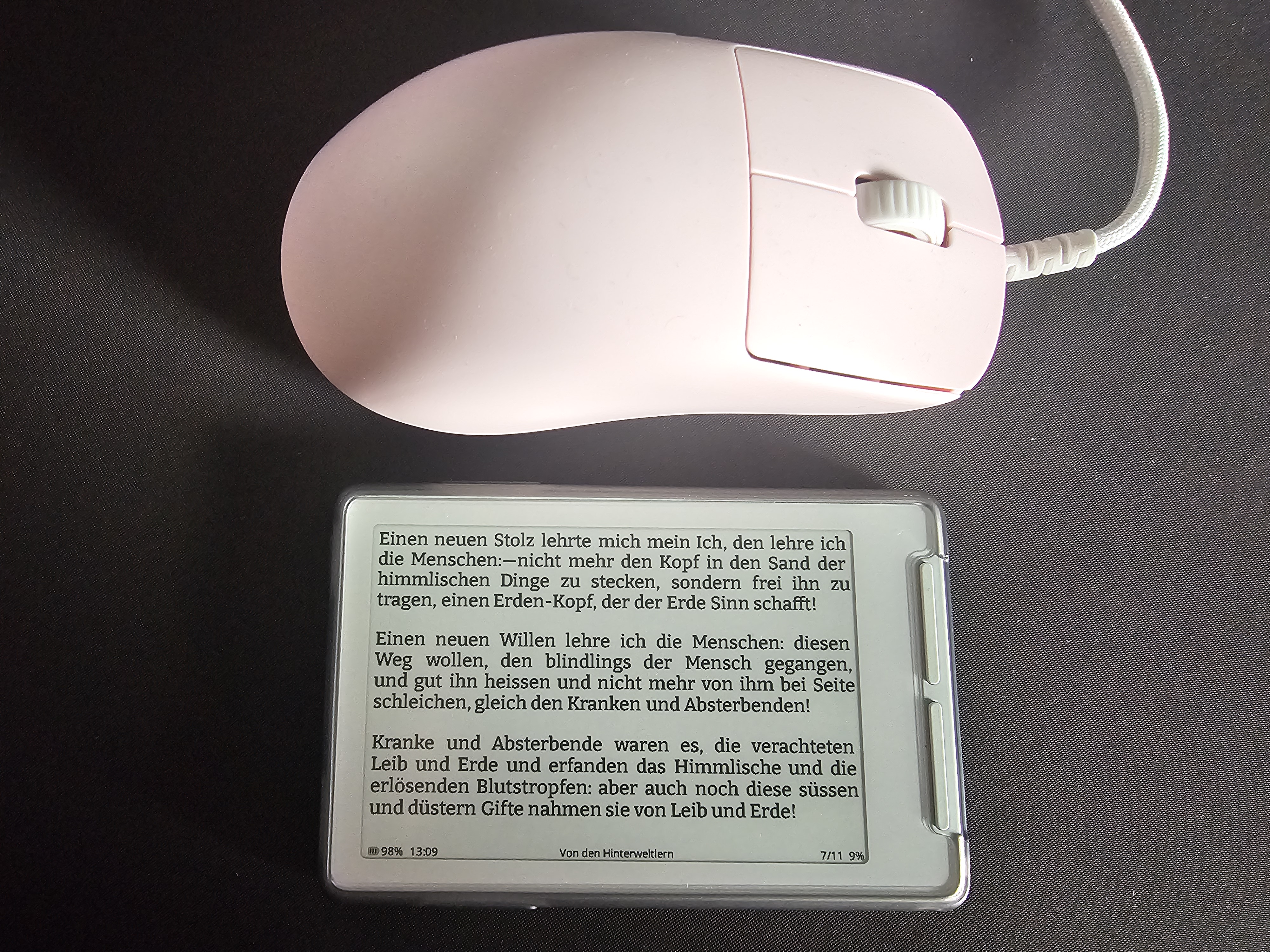
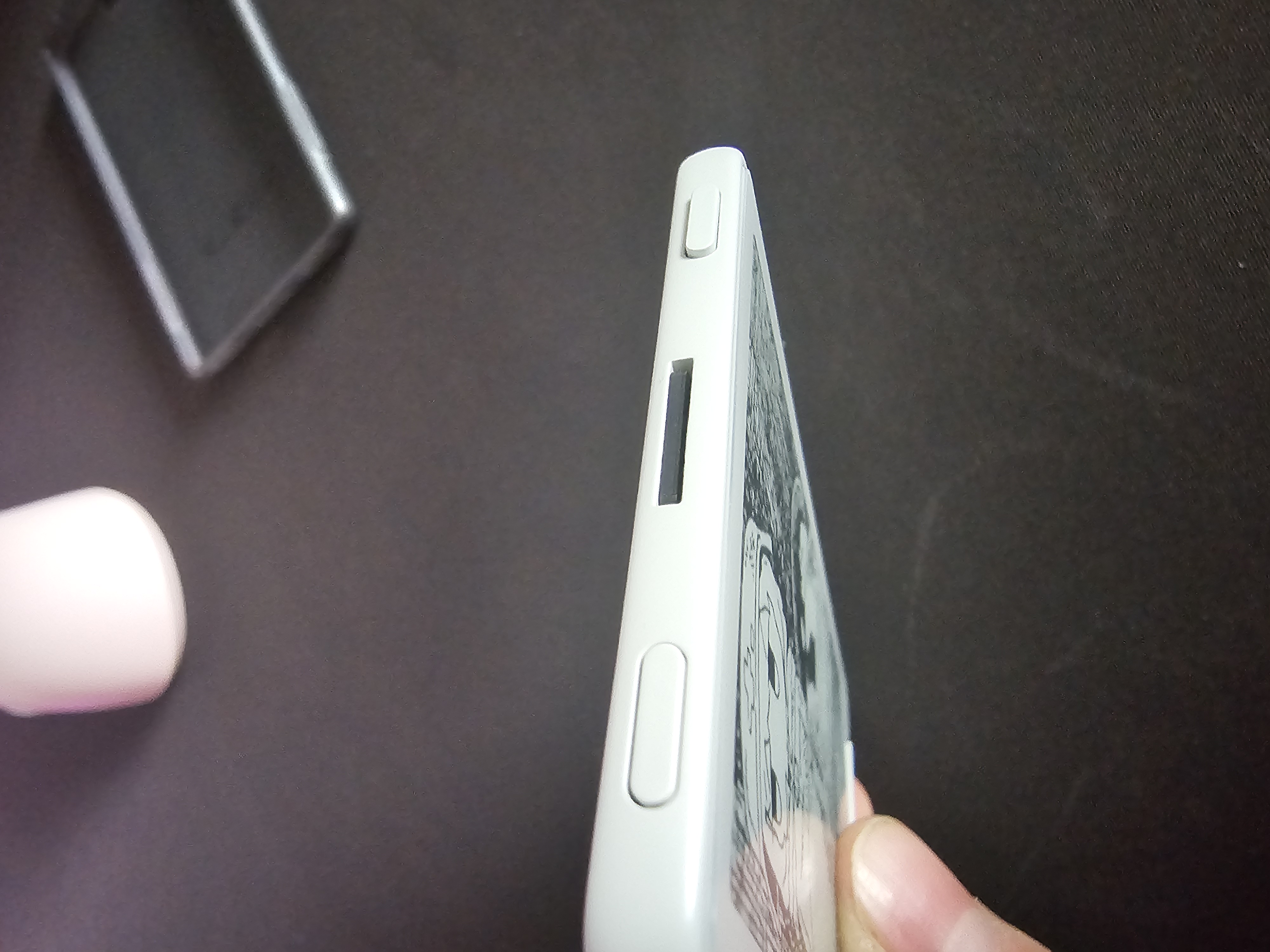
A couple words about how the X3 feels: The front screen material and the rear material seems to be the same. I don't think it's glass but feels similar, fairly matte and very comfortable for me. The frame is plastic, but also well textured and nicely rounded. The buttons (8 in total (two on top, one on each side, 4 on bottom), all customisable!) are all pretty good, some have slight wobble but nothing I felt in actual use.
There is a micro SD slot in the top, easy to access and pretty much flush with the frame. My X3 came with a 16GB card.
Image of MicroSD slot on top
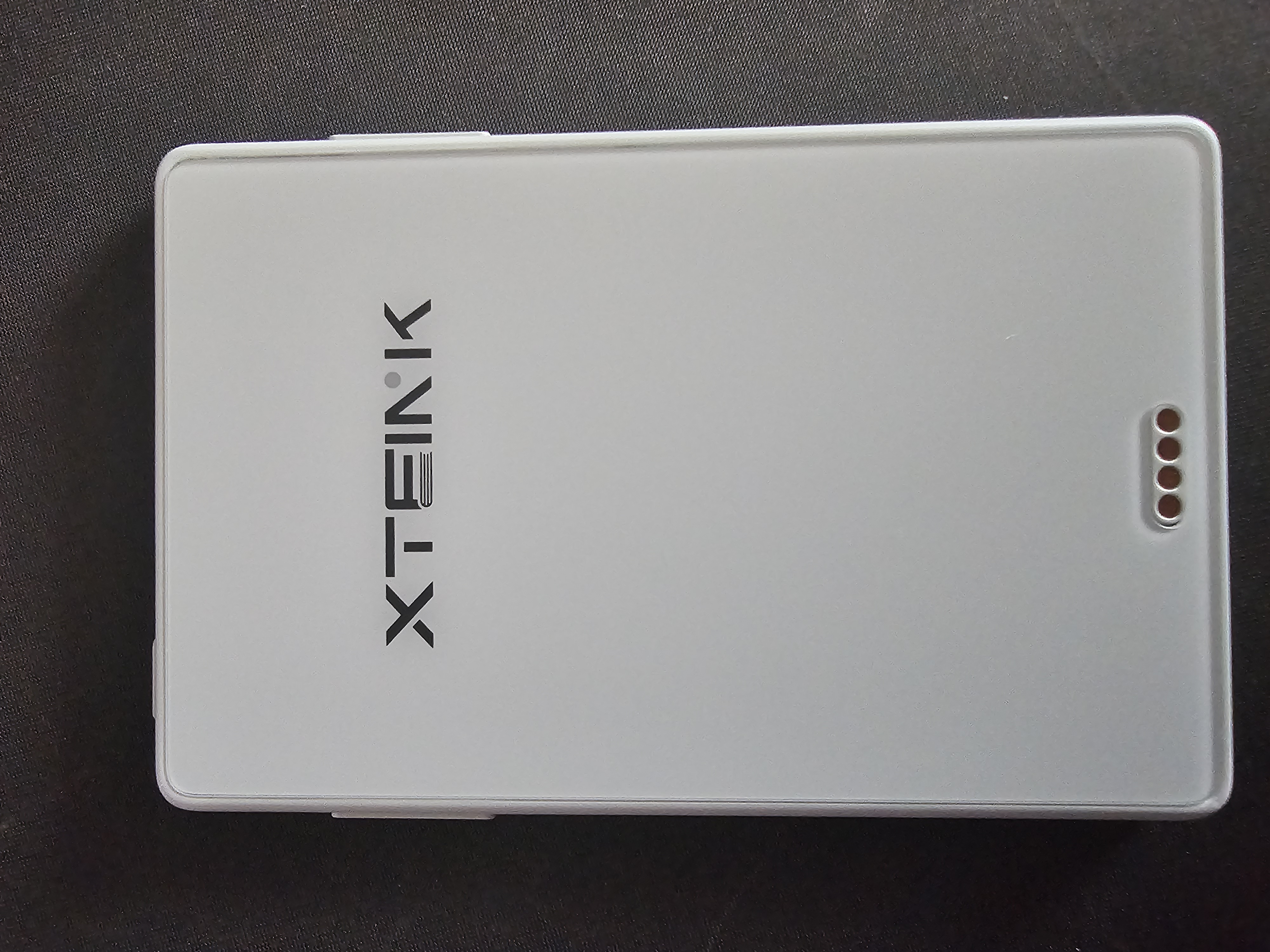
The charger and USB data connection is a proprietary magnetic pogo pin connector. Comes with the cable. I prefer USB-C, but in a device this slim I kind of understand why they went with a custom solution.
When charging a part of the logo on the back glows red, very reminiscent of ThinkPads :3
Image of charging connector
Mine also came with a screen protector and a microSD card reader. The reader fell apart very quickly, it's some ultra cheap USB one. It still works but don't expect a lifelong companion..
All in all the X3 seems to punch way above it's price point in terms of feel and looks in my opinion.
My first test of reading books was actually in the gym yesterday and the evening before in bed. Same deal here, landscape mode seems best. For epub you don't read entire pages at once, but always blocks. This has a huge benefit for me. I have a very hard time focusing on text when there is too much. Having each page split up into chunks makes it much easier to read for me. It also feels like you read more, you always think "oh I read so little I can read a little more" and you keep reading and reading and suddenly you realise you read half the book. It also gives me more time to think about passages before continuing.
In bed I must say the tiny formfactor does not feel as ergonomic as a bigger e-reader, but it's insanely lightweight and the buttons are pretty nice to use so it was fine. Again, probably not great for 5h of reading, but 1h before bed or so was nice.
At the gym the X3 was shining for me and I think it will make my gym experience a lot better, make me read way more and get me off of social media more.
Between sets I try to take 3-5min break, as you should. Usually I just walk around or stare at my phone. Often there is nothing new on the phone and I cut my breaks short. Also I have to pick up my phone since keeping it in the pocket isn't great when working out.
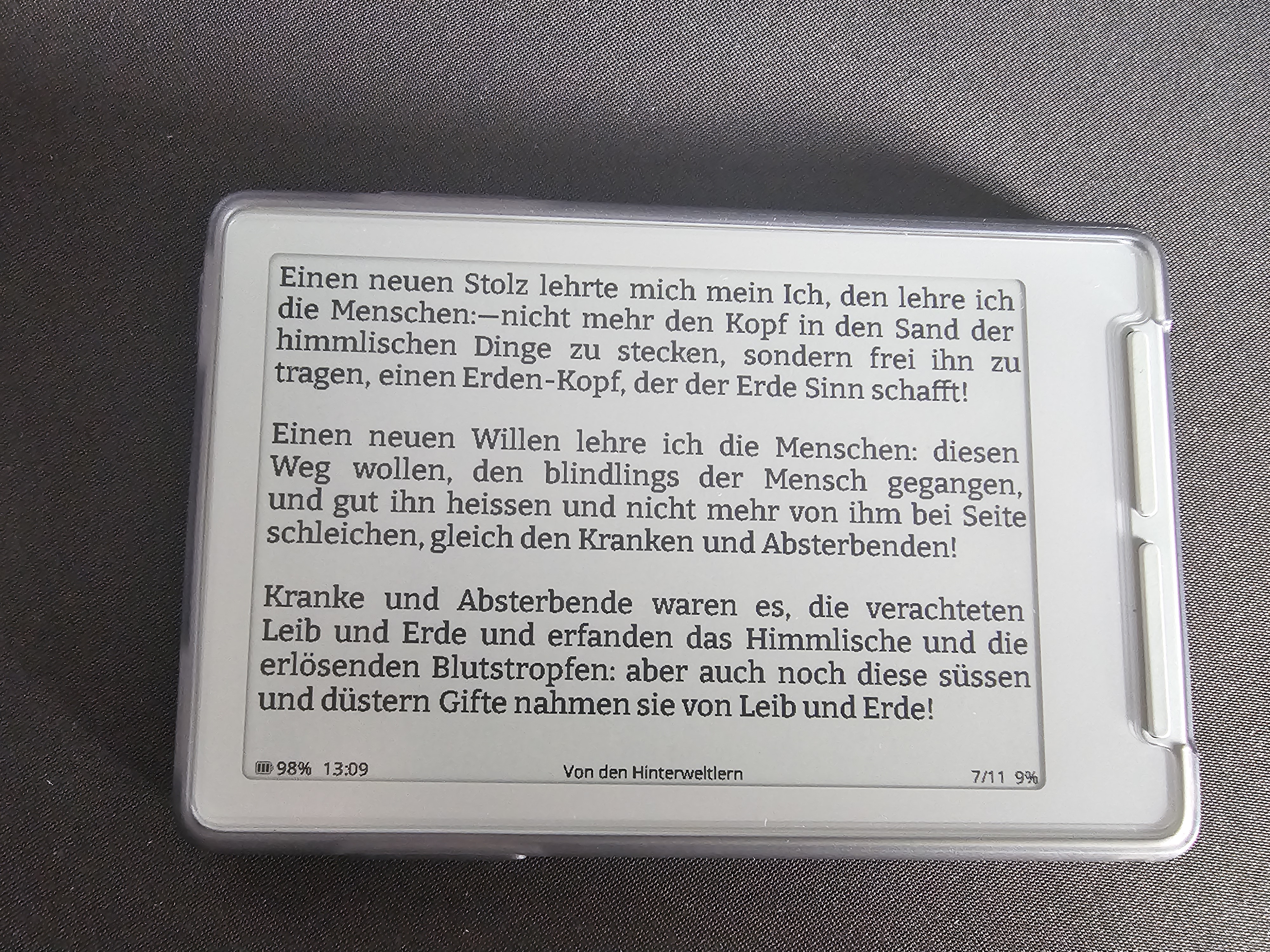
But the X3 is so tiny I just forgot it in my pocket and it was fine. I read Nietzsches Zarathustra again since it has been a while and I felt like it would be a good test since it has a lot of stuff to think about, difficult to read passages etc.
It was not only quite easy to read for me with the pages split into chunks but also it was fun. Pull out X3 after a set, read for a couple minutes, go back to set.
Even at like 30cm distance with the Bitter font (highly recommended!) at 14pt size everything was great to read.
I was actually looking forward to read after sets!
After going to bed I read for another 30min and found one issue: the X3 is so small that it can get lost in bedsheets, oops..
Image text size
I wanna mention the web config tool as well, you can connect the X3 to your wifi and then manage files and settings from your browser, add fonts etc, very nice. But changing settings on the device itself is chill too.
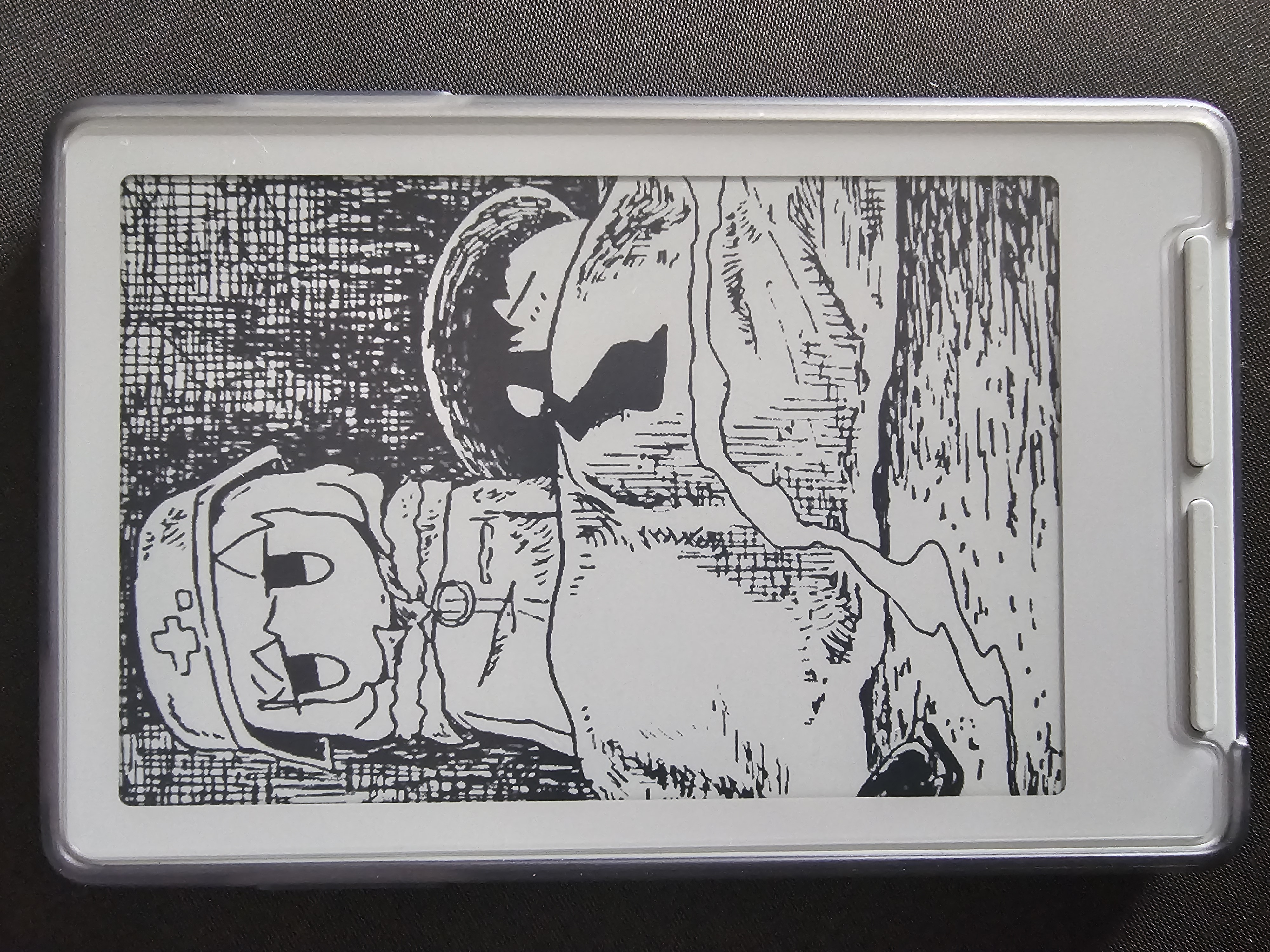
Custom sleep wallpaper is goated :3
Image of my sleep screen
I have a screen protector and a case on mine for now. Not a big fan of the case, doesn't feel as nice as the X3 itself, but I will see how much I actually need a case first before removing it potentially..
In 2-4 weeks I will post a follow up with my experience over time, more thoughts etc. I plan to read through a couple books and at least Girls Last Tour on this until then!
Cheers <3